How to Set Up Telegram Stars Payments in an Aiogram 3 Bot: A Step-by-Step Guide with Code
Accepting payments with Telegram Stars in an Aiogram 3 bot: account, pre_checkout_query, successful payment, refunds, payment link, and Star withdrawal. Complete working code with explanations.
Telegram Stars is Telegram’s built-in currency. Users purchase Stars directly within the app and then spend them in bots with just two taps, without having to enter a card or visit third-party websites. For bot owners, this is the easiest way to accept payments: no payment provider, contract, or payment token is needed—everything works through the standard Bot API.
According to Telegram’s rules, digital goods and services in bots—such as access, subscriptions, files, and in-game items—must be sold exclusively for Stars. Below is a working bot on aiogram 3 that issues an invoice, accepts payment, delivers the product, and can process refunds.
How Payments with Stars Work
- The bot sends the user an invoice with the currency XTR—this is how Stars are denoted in the Bot API.
- The user clicks “Pay,” and Telegram sends the bot a pre_checkout_query—the final request before the deduction. The bot must respond within 10 seconds: either to confirm or reject the request.
- After confirmation, Telegram deducts the stars and sends a message with successful_payment. Only at this point is the payment considered complete—and the item is delivered.
What You’ll Need
- A bot created via @BotFather and its token. You don’t need to set up payments for stars separately in BotFather.
- Python 3.10 or newer.
- aiogram 3 — installed with a single command:
pip install -U aiogramDo not hardcode the bot's token—pass it via environment variables or a .env file that is not included in the repository. In the example below, the bot reads BOT_TOKEN and ADMIN_ID—your Telegram ID, which is authorized to receive refunds.
Complete bot code
Save the code to a file named bot.py:
import asyncio
import logging
import os

from aiogram import Bot, Dispatcher, F, Router
from aiogram.exceptions import TelegramBadRequest
from aiogram.filters import Command, CommandObject, CommandStart
from aiogram.types import LabeledPrice, Message, PreCheckoutQuery

ADMIN_ID = int(os.environ["ADMIN_ID"])  # ваш Telegram ID — только ему доступен /refund

# Товар: название, описание, цена в звёздах (целое число) и метка заказа
PRODUCT_TITLE = "Доступ к курсу"
PRODUCT_DESCRIPTION = "Полный доступ ко всем урокам курса навсегда"
PRODUCT_PAYLOAD = "course_full"
PRICE_STARS = 50

router = Router()


@router.message(CommandStart())
async def start(message: Message) -> None:
    await message.answer(f"Привет! Курс стоит {PRICE_STARS} ⭐. Купить: /buy")


@router.message(Command("buy"))
async def buy(message: Message) -> None:
    await message.answer_invoice(
        title=PRODUCT_TITLE,
        description=PRODUCT_DESCRIPTION,
        payload=PRODUCT_PAYLOAD,  # вернётся в pre_checkout_query и successful_payment
        currency="XTR",           # XTR — Telegram Stars, provider_token не нужен
        prices=[LabeledPrice(label=PRODUCT_TITLE, amount=PRICE_STARS)],
    )


@router.pre_checkout_query()
async def pre_checkout(query: PreCheckoutQuery) -> None:
    # Последняя проверка перед списанием: товар существует и в наличии.
    # Ответить нужно за 10 секунд, иначе Telegram отменит оплату.
    if query.invoice_payload != PRODUCT_PAYLOAD:
        await query.answer(ok=False, error_message="Товар не найден. Создайте счёт заново: /buy")
        return
    await query.answer(ok=True)


@router.message(F.successful_payment)
async def paid(message: Message) -> None:
    payment = message.successful_payment
    if payment.invoice_payload != PRODUCT_PAYLOAD or payment.total_amount != PRICE_STARS:
        logging.warning("Неожиданный платёж: %s", payment.invoice_payload)
        return
    # charge_id сохраните в базе вместе с заказом — без него не сделать возврат
    logging.info("Оплата %s ⭐ от %s, charge_id=%s",
                 payment.total_amount, message.from_user.id, payment.telegram_payment_charge_id)
    # Здесь выдайте товар: откройте доступ, отправьте файл, начислите баланс
    await message.answer("Спасибо за покупку! Доступ к курсу открыт ✅")


@router.message(Command("refund"), F.from_user.id == ADMIN_ID)
async def refund(message: Message, command: CommandObject, bot: Bot) -> None:
    # /refund <user_id> <charge_id> — вернуть звёзды покупателю
    args = (command.args or "").split()
    if len(args) != 2 or not args[0].isdigit():
        await message.answer("Формат: /refund <user_id> <charge_id>")
        return
    try:
        await bot.refund_star_payment(user_id=int(args[0]), telegram_payment_charge_id=args[1])
    except TelegramBadRequest as e:
        await message.answer(f"Возврат не прошёл: {e.message}")
        return
    await message.answer("Звёзды возвращены покупателю")


@router.message(Command("paysupport"))
async def pay_support(message: Message) -> None:
    await message.answer("Вопросы по оплате: напишите @your_support — ответим в течение дня.")


async def main() -> None:
    logging.basicConfig(level=logging.INFO)
    bot = Bot(token=os.environ["BOT_TOKEN"])
    dp = Dispatcher()
    dp.include_router(router)
    await dp.start_polling(bot)


if __name__ == "__main__":
    asyncio.run(main())
To run on Linux or macOS:
export BOT_TOKEN="токен_от_BotFather"
export ADMIN_ID="ваш_telegram_id"
python bot.py
Send the bot /buy — you'll receive an invoice with a "Pay 50 ⭐" button.
Code Breakdown
Invoice: answer_invoice
- currency="XTR" — payment in stars. The provider_token parameter is not passed for stars.
- prices — list of items. For Stars, it must contain exactly one item, and the `amount` must be a whole number of stars (no kopecks or cents).
- payload — your internal order ID. The user doesn’t see this, but Telegram returns it after payment—you use it to identify exactly what was paid for. In this store, the order number from the database is entered here.
pre_checkout_query
This is where you check whether the item is still available for sale: whether it’s out of stock, whether the price has changed, or whether the order has already been paid for. If something is wrong, respond with `ok=False` along with a clear error message, and Telegram will display it to the user.
successful_payment
Main handler: the stars have already been deducted; the item must be shipped. Required:
- Verify the payload and amount against the order in the database;
- save the `telegram_payment_charge_id`—this is the payment ID, which is needed for refunds and dispute resolution;
- dispatch the item once—mark the order as paid in the database.
Star Refunds
The `refund_star_payment` method returns all stars to the buyer. In the example, the `/refund` command is available only to the administrator—filter `F.from_user.id == ADMIN_ID`. Do not allow users to process refunds on their own: otherwise, they could receive the item and immediately request a refund.
After a refund, don’t forget to revoke access to the item: either restrict access or cancel the purchase in the database.
Payment Link Instead of a Message
If you need to post an invoice in a channel, on a button, or in a mini-app (Web App), create a payment link:
link = await bot.create_invoice_link(
    title="Доступ к курсу",
    description="Полный доступ ко всем урокам курса",
    payload="course_full",
    currency="XTR",
    prices=[LabeledPrice(label="Доступ к курсу", amount=50)],
)
When using this link, the payment process works the same way: the bot receives `pre_checkout_query` and `successful_payment`.
The /paysupport command
Telegram requires that a bot accepting payments have clear payment support—that’s what the /paysupport command is for. Add it to the menu via @BotFather → Edit Bot → Edit Commands, along with /buy.
How to Withdraw Earned Stars
Stars accumulate in the bot’s balance. You can view and withdraw them in the bot’s profile on Telegram (in the “Star Balance” section)—withdrawals are processed via a Fragment in TON. Stars aren’t available for withdrawal immediately; they become available after a holding period. Check Telegram for the current terms and minimum withdrawal amount—conditions change periodically.
Common Errors
- The bot is issuing the item in `pre_checkout_query`. Payment hasn’t gone through yet—move the issuance to `successful_payment`.
- The `pre_checkout_query` handler isn’t responding or is taking longer than 10 seconds. The payment is canceled with an error for the user. Do not make long requests here.
- Multiple items in `prices`. Only one is allowed for XTR.
- No `charge_id` entry. Without it, a refund cannot be processed.
- Token in the code. Store it in .env and do not publish it in the repository.
Accepting payments via other methods—cryptocurrency through CryptoBot or xRocket—is covered in separate guides, and an overview of all options is available in the article “How to Accept Payments in a Telegram Bot”.
FAQ
Do I need a provider_token to pay with Stars?
No. For the XTR currency, a payment provider is not required, and the provider_token parameter is not passed.
How can I test a Stars payment without spending any money?
Buy a few Stars, set the price to 1 ⭐, pay, and then issue a refund using the /refund command—the Stars will be returned to your balance.
Can Stars be accepted as payment for physical goods?
Stars are intended for digital goods and services. For physical goods, use payment providers or other payment methods.
How do I withdraw Stars from the bot?
Through the Star balance in the bot’s profile—withdrawals are processed via Fragment on TON after the holding period. See Telegram for the current terms and conditions.
Why is the payment canceled immediately after clicking “Pay”?
The bot did not respond to the pre_checkout_query within 10 seconds or responded with ok=False. Check that the handler is connected and responding quickly.
Ready-made solutions
 BOT
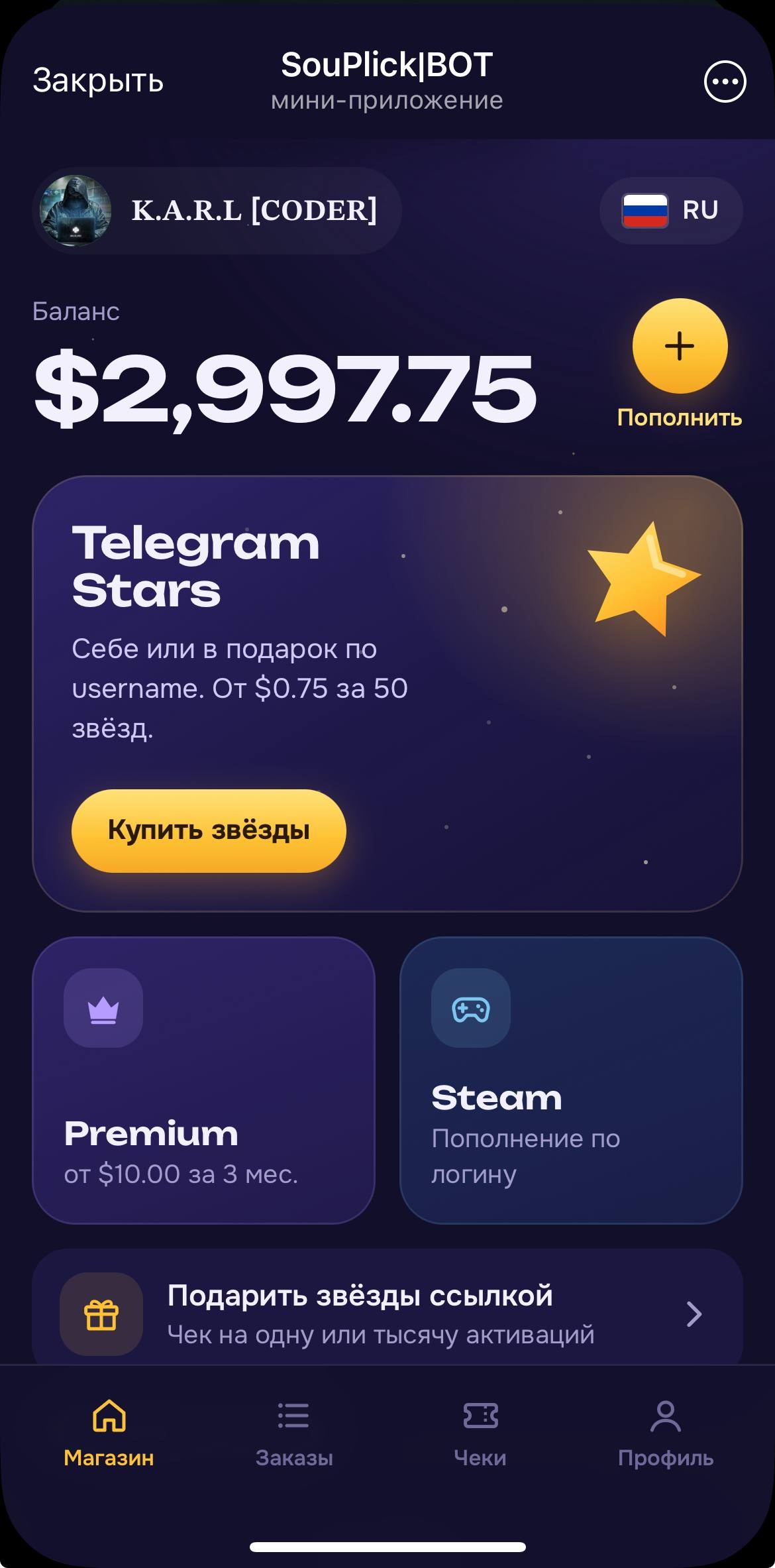
⭐️ Auto Buy Stars Web App
A bot for automatically purchasing Stars, Premium, or adding funds to Steam using Fragment. Installation is performed by the buyer.
 BOT
📲 AI Video Editing
A powerful AI video editing tool with 6 agents, compatible with Claude
 BOT
✍🏻 AI Auto-Commenting 2.0
New Version of AI Auto-Commenting with Multi-Account Support
 BOT