How to Set Up xRocket Payments in an Aiogram 3 Bot: Rocket Pay API with Code
Accepting Cryptocurrency in a Telegram Bot via xRocket (Rocket Pay) on Aiogram 3: API Key, Payment Account, Status Check, and Secure Webhook. Complete working code with explanations.
xRocket (@xRocket) is a crypto wallet and exchange built into Telegram. Its payment service, Rocket Pay, allows the bot to issue invoices in TON, USDT, and other coins in the ecosystem: the buyer pays the invoice via @xRocket, and the funds are credited to your app’s balance.
Below is a bot built on Aiogram 3 that creates an invoice, verifies payment via a button, and receives notifications from xRocket via a webhook.
How Payments Work via Rocket Pay
- The bot creates an invoice using a POST request to /tg-invoices and receives a payment link.
- The user clicks the link and pays via @xRocket.
- The bot checks the invoice status with a GET request to /tg-invoices/<id>—either when the “I’ve paid” button is clicked or after receiving a notification from xRocket.
- Once the invoice is paid, the bot delivers the product.
Step 1. Get an API Key
- Open @xRocket → Rocket Pay → Create App (the names of the menu items in the bot may vary slightly).
- In the app settings, retrieve the API key.
- Save the key to the XROCKET_API_KEY environment variable. You can use this key to manage the app’s accounts and funds—treat it like a password.
Step 2. Install aiogram
pip install -U aiogramStep 3. Rocket Pay Client
The API is available at https://pay.xrocket.exchange; the key is passed in the Rocket-Pay-Key header. The response always contains a "success" field, and the data is in the "data" field. The xrocket.py file:
import aiohttp

API_URL = "https://pay.xrocket.exchange"


class XRocketPay:
    # Минимальный клиент Rocket Pay API (@xRocket) — счета tg-invoices

    def __init__(self, api_key: str, api_url: str = API_URL) -> None:
        self.headers = {"Rocket-Pay-Key": api_key}
        self.api_url = api_url

    async def _request(self, method: str, path: str, body: dict | None = None) -> dict:
        async with aiohttp.ClientSession(headers=self.headers) as session:
            async with session.request(method, f"{self.api_url}{path}", json=body) as resp:
                data = await resp.json()
        if not data.get("success"):
            raise RuntimeError(f"xRocket: {data.get('message') or data.get('errors')}")
        return data["data"]

    async def create_invoice(self, amount: float, currency: str, description: str, payload: str) -> dict:
        return await self._request("POST", "/tg-invoices", {
            "amount": amount,
            "currency": currency,     # монета: USDT, TONCOIN...
            "numPayments": 1,         # счёт можно оплатить один раз
            "description": description,
            "payload": payload,       # ваша метка заказа, вернётся вместе со счётом
            "expiredIn": 3600,        # счёт действует 1 час
        })

    async def get_invoice(self, invoice_id: int) -> dict:
        return await self._request("GET", f"/tg-invoices/{invoice_id}")
Step 4. A bot with a payment option and a verification button
The bot.py file:
import asyncio
import os

from aiogram import Bot, Dispatcher, F, Router
from aiogram.filters import Command
from aiogram.types import CallbackQuery, InlineKeyboardButton, InlineKeyboardMarkup, Message

from xrocket import XRocketPay

PRICE = 5
CURRENCY = "USDT"
PAID_STATUSES = {"paid", "completed"}  # счёт с numPayments=1 после оплаты получает статус completed

router = Router()
rocket = XRocketPay(os.environ["XROCKET_API_KEY"])
delivered: set[int] = set()  # счета, по которым товар уже выдан (в реальном боте — база данных)


def is_paid(invoice: dict) -> bool:
    return str(invoice.get("status", "")).lower() in PAID_STATUSES


async def deliver(bot: Bot, invoice: dict) -> bool:
    # Выдаёт товар по оплаченному счёту — строго один раз
    if not is_paid(invoice) or invoice["id"] in delivered:
        return False
    if invoice.get("currency") != CURRENCY or float(invoice.get("amount", 0)) != PRICE:
        return False
    delivered.add(invoice["id"])
    user_id = int(invoice["payload"])
    # Здесь выдайте товар: откройте доступ, отправьте файл, начислите баланс
    await bot.send_message(user_id, "Оплата получена! Доступ открыт ✅")
    return True


@router.message(Command("buy"))
async def buy(message: Message) -> None:
    invoice = await rocket.create_invoice(
        amount=PRICE, currency=CURRENCY,
        description="Доступ к курсу",
        payload=str(message.from_user.id),  # кому выдать товар после оплаты
    )
    keyboard = InlineKeyboardMarkup(inline_keyboard=[
        [InlineKeyboardButton(text=f"💳 Оплатить {PRICE} {CURRENCY}", url=invoice["link"])],
        [InlineKeyboardButton(text="✅ Я оплатил", callback_data=f"xr:{invoice['id']}")],
    ])
    await message.answer("Счёт на оплату действует 1 час:", reply_markup=keyboard)


@router.callback_query(F.data.startswith("xr:"))
async def check(callback: CallbackQuery, bot: Bot) -> None:
    invoice_id = int(callback.data.split(":")[1])
    try:
        invoice = await rocket.get_invoice(invoice_id)
    except RuntimeError:
        invoice = None
    # Счёт должен принадлежать тому, кто нажал кнопку
    if not invoice or str(invoice.get("payload")) != str(callback.from_user.id):
        await callback.answer("Счёт не найден", show_alert=True)
        return
    if not is_paid(invoice):
        await callback.answer("Оплата пока не поступила", show_alert=True)
        return
    await deliver(bot, invoice)
    await callback.message.edit_text("Счёт оплачен ✅")
    await callback.answer()


async def main() -> None:
    bot = Bot(token=os.environ["BOT_TOKEN"])
    dp = Dispatcher()
    dp.include_router(router)
    await dp.start_polling(bot)


if __name__ == "__main__":
    asyncio.run(main())
Launch:
export BOT_TOKEN="токен_от_BotFather"
export XROCKET_API_KEY="ключ_Rocket_Pay"
python bot.py
Send the bot the command /buy, pay the bill at @xRocket, and click “I’ve paid.”
Step 5. Payment Notifications (Webhook)
To have the bot release the item immediately after payment, specify a webhook URL in the Rocket Pay app settings, for example, https://ваш-домен/webhooks/xrocket. You’ll need a server with a domain and HTTPS.
The golden rule: don’t take the notification at face value. Use it only to retrieve the invoice number; request the status, amount, and payload from xRocket using your API key. A fake request won’t work—the API will respond that the invoice hasn’t been paid.
Add a handler to bot.py and replace the main function. Move the imports to the top of the file:
from aiohttp import web


async def xrocket_webhook(request: web.Request) -> web.Response:
    try:
        update = await request.json()
        invoice_id = int(update["data"]["id"])
        # Статус узнаём у xRocket своим ключом, а не из тела уведомления
        invoice = await rocket.get_invoice(invoice_id)
    except (ValueError, KeyError, TypeError, RuntimeError):
        return web.Response(status=400)
    await deliver(request.app["bot"], invoice)
    return web.Response(text="ok")


async def main() -> None:
    bot = Bot(token=os.environ["BOT_TOKEN"])
    dp = Dispatcher()
    dp.include_router(router)

    app = web.Application()
    app["bot"] = bot
    app.router.add_post("/webhooks/xrocket", xrocket_webhook)
    runner = web.AppRunner(app)
    await runner.setup()
    await web.TCPSite(runner, "127.0.0.1", 8080).start()  # снаружи — через nginx с HTTPS

    try:
        await dp.start_polling(bot)
    finally:
        await runner.cleanup()
The web server only listens on 127.0.0.1:8080, while nginx (or Caddy) exposes it to the outside world via HTTPS—proxy the /webhooks/xrocket path to this address. The “I’ve Paid” button and the webhook both use the same `deliver` function, so the item won’t be shipped twice.
Security: What to Check Before Launch
- API key — store it only in environment variables or in the .env file; never in the code or in the repository.
- Status — check it via the API. Neither clicking the button nor the webhook body confirms payment.
- Amount and currency — verify against the order.
- Account ownership — the payload must match the buyer or their order number.
- One-time issuance — store processed account IDs in the database: the in-memory set is cleared upon restart.
Common errors
- Incorrect coin name. In xRocket, TON is passed as TONCOIN. See the Rocket Pay API documentation for a list of coins and minimum amounts.
- Amount is less than the minimum. Each coin has its own minimum bill amount—the API will return an error.
- Expecting "paid" status, but "completed" is returned. An invoice with a single payment may change to “completed” after payment—check both statuses, as shown in the example.
- Webhook is not received. The address must be accessible from the internet via HTTPS, and the server must return a 200 status code.
Other payment methods include Telegram Stars and CryptoBot; a comparison of all options can be found in the article “How to Accept Payments in a Telegram Bot”.
FAQ
How is xRocket different from CryptoBot?
Both are crypto wallets within Telegram with APIs for accepting payments. They differ in their list of supported coins, fees, and user interface. Many stores integrate both so that customers can pay using their preferred wallet.
Which cryptocurrency should I use to issue an invoice?
Most often, USDT—it has a stable exchange rate. TON is listed as TONCOIN.
Can you trust the xRocket webhook?
Use it only as a signal: take the invoice number and check the status via the API using your own key. That way, a fake notification won’t do any harm.
Where does the money go?
It goes to your Rocket Pay app balance in @xRocket. From there, you can withdraw it to your wallet.
Ready-made solutions
 BOT
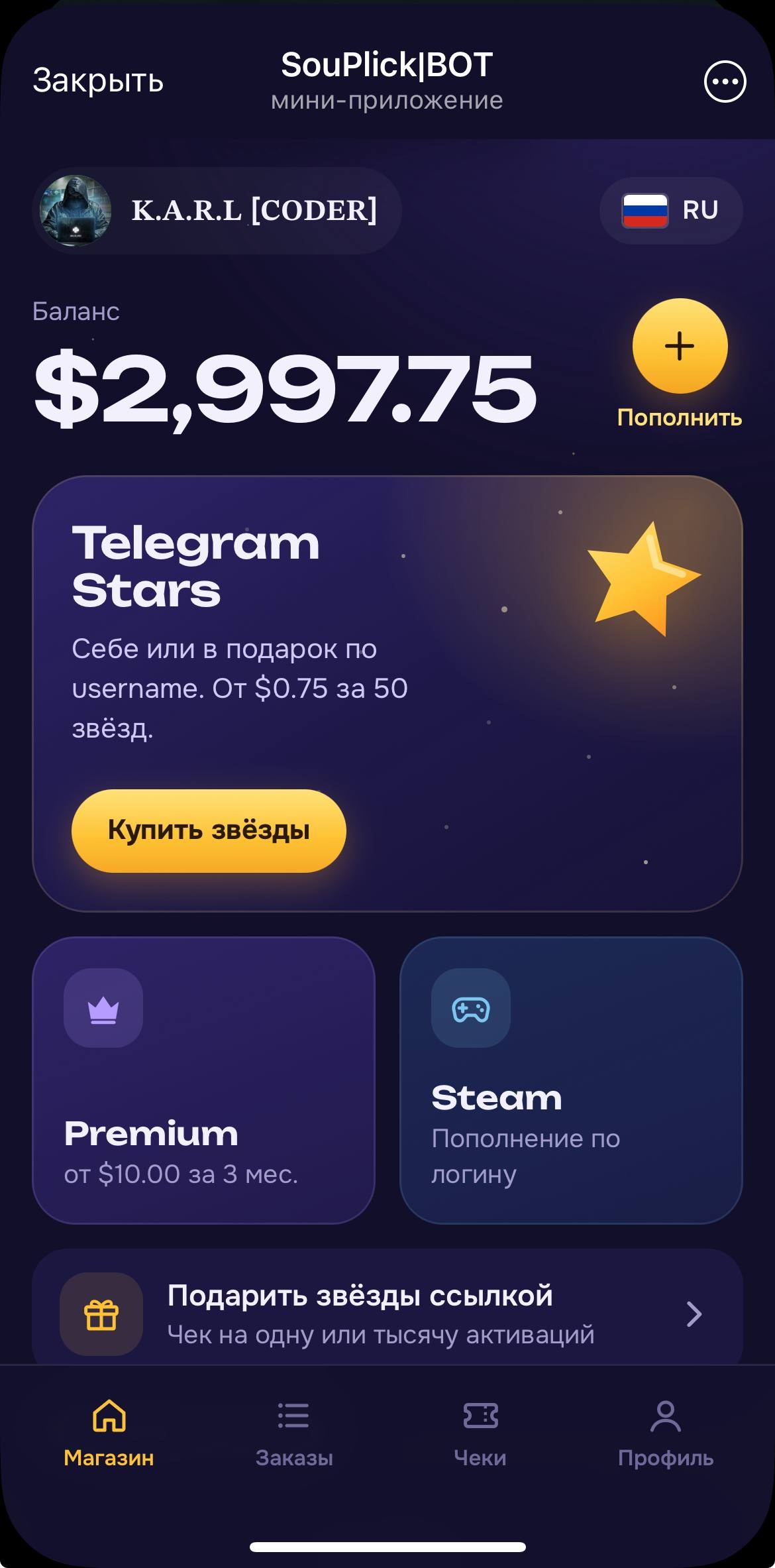
⭐️ Auto Buy Stars Web App
A bot for automatically purchasing Stars, Premium, or adding funds to Steam using Fragment. Installation is performed by the buyer.
 BOT
📲 AI Video Editing
A powerful AI video editing tool with 6 agents, compatible with Claude
 BOT
✍🏻 AI Auto-Commenting 2.0
New Version of AI Auto-Commenting with Multi-Account Support
 BOT